

Welcome to Blink me. We're glad you're here!
With the Blink me app, you can easily track your working hours. This is the app's most important feature—fast, clear, and easy to use.
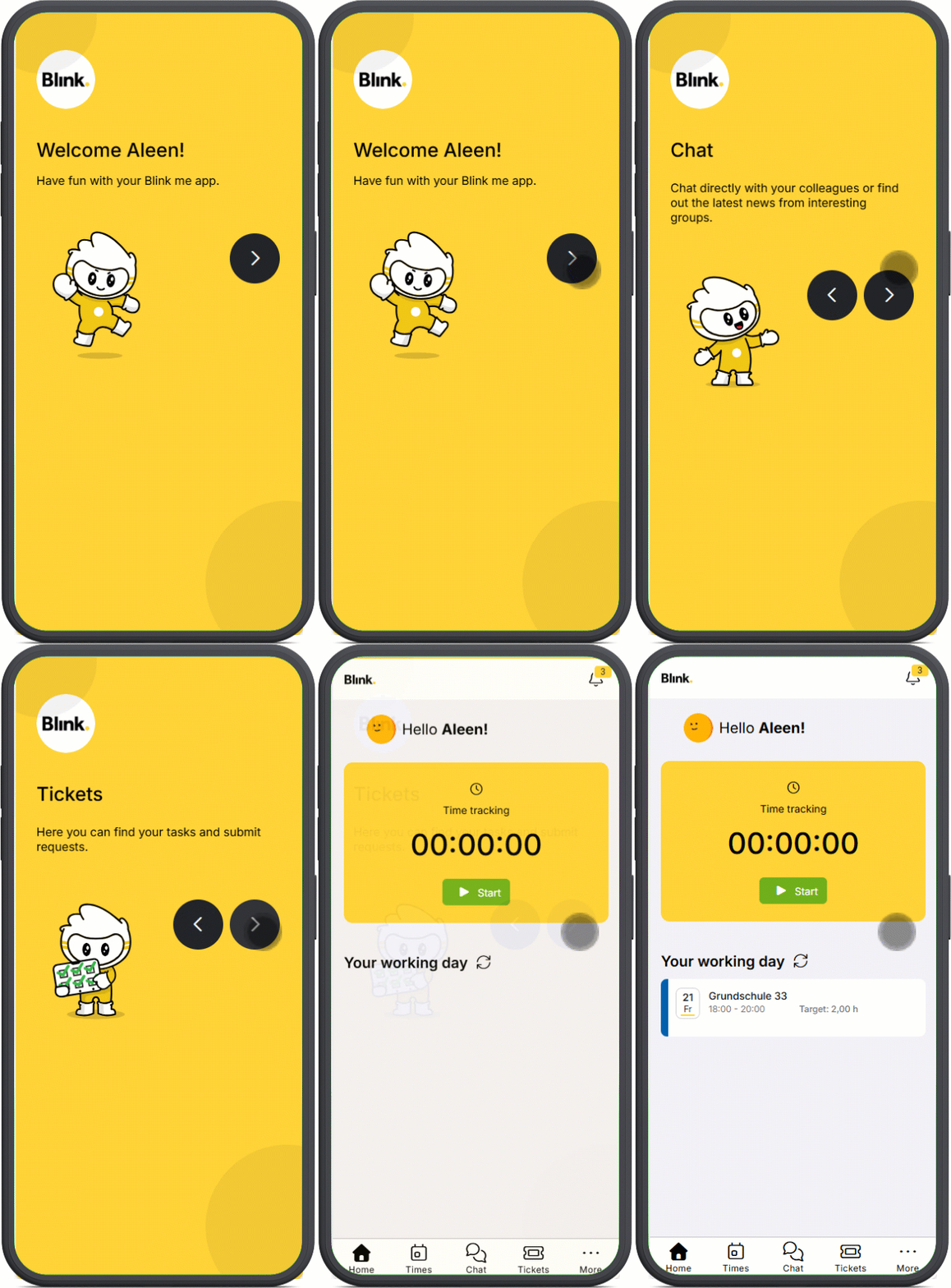
Blink me also offers other helpful tools for your everyday work:
-
For example, you can use the chat feature to communicate directly with your team leader.
-
With the ticket feature, you can, for example, request vacation or submit a sick note and see the status directly in the app.
-
You can fill out forms directly in the Blink me app or view documents that are provided for you.
-
And much more!
In this documentation, we show you step by step how to register, how the app is structured, and how to use the most important functions.
Our tip: Get started quickly and easily with Blink me at www.startblink.com. The page provides you with the correct download link, an easy-to-understand video on how to log in and record your hours, and important FAQs—all in your language. If you then have any further questions, this documentation here is the right place to come and look for answers.
Questions
If you have any questions that cannot be answered by this documentation, you can of course contact our support team directly.
You can find the phone number and support email address in the Blink app in the “Help” section.